
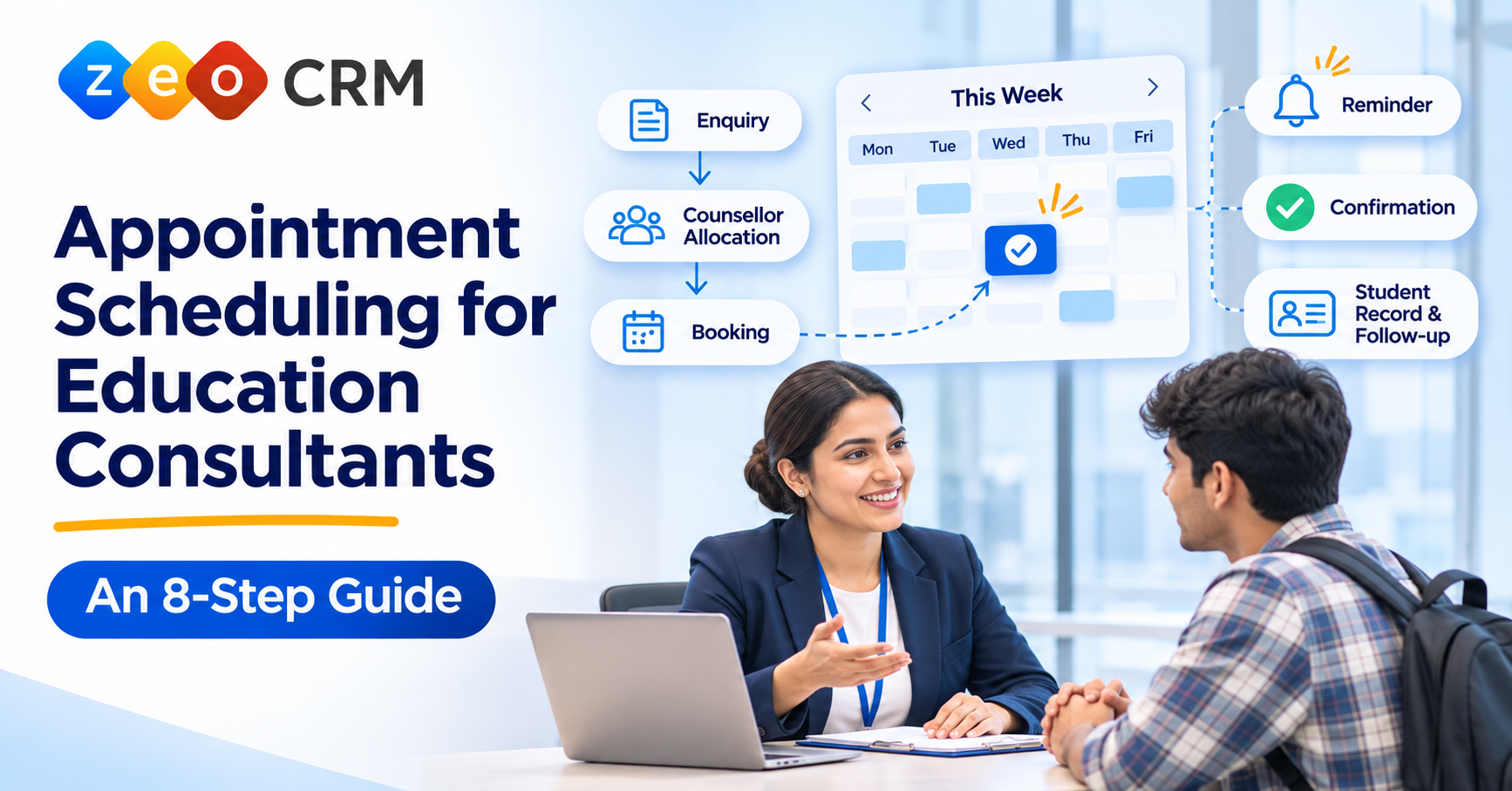
Quick Answer: What Is Appointment Scheduling for Education Consultants?
Appointment scheduling for education consultants is the process of organising student counselling sessions, allocating suitable counsellors, managing availability and handling confirmations, reminders, cancellations and rescheduling. A structured workflow also records attendance and outcomes, so every consultation connects to the next step in the student’s recruitment journey.
Introduction
A study abroad consultancy gets enquiries through its website, by phone and on WhatsApp. Each counsellor keeps their own calendar. Bookings clash, notes end up in different places and some students never hear back after their first session.
Good student appointment management fixes this. This guide walks through an eight-step appointment lifecycle that turns scattered bookings into an organised process. For the wider picture, see our guide to CRM for study abroad consultants.
On this page
- Quick Answer: What Is Appointment Scheduling for Education Consultants?
- Introduction
- Why Is Appointment Scheduling Important for Education Consultants?
- Common Appointment Scheduling Challenges in Education Consultancies
- How to Manage Student Appointments: An 8-Step Appointment Scheduling Workflow
- How Can Education Consultants Reduce Missed Student Appointments?
- Manual vs Standalone vs CRM-Based Appointment Management
- Managing Appointments Across Multiple Branches and Peak Intake Periods
- How to Measure Appointment Scheduling Performance
- How ZeoCRM Can Support Student Recruitment and Appointment Management
- Frequently Asked Questions About Appointment Scheduling for Education Consultants
- Conclusion: Connect Student Appointments With the Recruitment Journey
Why Is Appointment Scheduling Important for Education Consultants?
In a consultancy, an appointment isn’t just a calendar entry. It’s often the moment an enquiry becomes a real conversation about a student’s future. Student appointment scheduling done well helps you:
- Turn enquiries into counselling opportunities
- Match each student with the right counsellor
- See who is available and when
- Give students a more organised experience
- Keep recruitment moving through recorded outcomes and next actions
A typical journey runs from student enquiry to appointment booking, then the counselling session, the next recruitment action and finally the application journey.
Example: A student interested in Australia is booked with a counsellor who knows Australian admissions, not just whoever happens to be free.
Common Appointment Scheduling Challenges in Education Consultancies
Manual Booking and Scheduling Conflicts
Phone bookings, spreadsheets and separate calendars make double bookings easy. Without shared availability, nobody has the full picture.
Missed Appointments and Inconsistent Reminders
Students forget appointments, receive unclear instructions or can’t easily reschedule. Reminders depend on whoever remembers to send them.
Disconnected Counselling Records and Follow-ups
When appointment details, counselling notes and student records live in different places, it’s hard to know who owns the next step.
| Scheduling challenge | Potential impact |
|---|---|
| Double bookings | Conflicting counsellor commitments |
| Uneven allocation | Overloaded or underused counsellors |
| Missing confirmations | Confusion about appointment details |
| Inconsistent reminders | Students forget appointments |
| Unrecorded outcomes | Little visibility into progress |
| Unassigned next actions | Delayed or missed follow-ups |
| Separate branch calendars | Hard to coordinate shared resources |
These gaps are a common source of student lead leakage.
How to Manage Student Appointments: An 8-Step Appointment Scheduling Workflow
Here’s a practical appointment scheduling workflow you can adapt to your consultancy:
- Capture the student enquiry
- Allocate the right counsellor
- Check availability and book
- Confirm the appointment
- Send appointment reminders
- Manage scheduling exceptions
- Record attendance and outcomes
- Assign the next recruitment action
Step 1. Capture the Student Enquiry
Every appointment should link to a student record. Create a new record or update an existing one, avoiding duplicates. Capture the basics:
| Information | Why it matters |
|---|---|
| Name and contact details | To reach the student |
| Preferred destination | To choose a suitable counsellor |
| Intended intake | To understand urgency |
| Consultation purpose | To pick the appointment type |
| Preferred meeting mode | To arrange online or in-person sessions |
Only collect what you need at this stage. There’s no reason to ask for passports or financial documents just to book a first consultation. Read more on student lead management.
Step 2. Allocate the Right Counsellor
Availability alone shouldn’t decide who takes the appointment. Consider destination expertise, programme knowledge, branch and language preferences, any existing relationship with the student, current workload and how close the intake deadline is.
Example: A student planning to study in New Zealand goes to a counsellor with New Zealand expertise and an open slot. Good counsellor workload management keeps the load fair across the team. See counsellor allocation for more.
Step 3. Check Counsellor Availability and Book the Appointment
Shared visibility of time slots is the best defence against clashes. When booking, think about:
- Appointment duration and buffer time between sessions
- Working hours and leave
- Online or in-person meetings
- Time zones for international students
- Whether staff book appointments or students book themselves
A clear appointment record includes the student, counsellor, date, time, time zone, duration, branch, appointment type and status. Strong counsellor calendar management and a reliable student appointment booking system make this much easier.
Step 4. Confirm the Student Appointment
Send a confirmation straight away so everyone knows what’s happening. Here’s a template you can adapt:
Hi [Student Name],
Your study abroad counselling appointment with [Counsellor Name] is booked for [Date] at [Time and Time Zone].
Meeting location or link: [Details]
Please have your academic background and preferred study destinations ready to discuss.
If you need to cancel or reschedule, contact us at [Contact Details].
Step 5. Send Student Appointment Reminders
Student appointment reminders help people remember and prepare. Use email, SMS or WhatsApp based on each student’s preferences and the rules that apply to you. Here’s an example timeline:
| When | What to send |
|---|---|
| Straight after booking | Confirmation and preparation details |
| 24 hours before | A reminder with a way to reschedule |
| 1 to 2 hours before | Optional final reminder with meeting details |
| After a missed appointment | A friendly check-in offering another time |
This is a starting point, not a perfect formula. Adjust it to how far ahead appointments are booked and how students respond. Automated appointment reminders can help where your system supports them. See education CRM automation.
Step 6. Manage Cancellations, Rescheduling and No-Shows
Not every appointment goes to plan. Set clear rules for each situation:
| Event | What to do |
|---|---|
| Student cancels | Update the status and free up the slot |
| Counsellor cancels | Tell the student and offer an alternative |
| Rescheduling request | Confirm a new slot and update records |
| No-show | Record it after a set grace period |
| Repeated no-shows | Review the student’s interest and contact preferences |
Link rescheduled appointments to the original so history stays intact and reports stay accurate. Remember, a missed appointment isn’t automatically a lost lead.
Step 7. Record Appointment Attendance and Counselling Outcomes
Appointments should leave a useful record, not just vanish from the calendar. Use clear statuses: Booked, Confirmed, Attended, Completed, Cancelled, Rescheduled, No-show and Pending outcome.
Note that attended and completed aren’t the same. Attended means the student joined. Completed means the planned session was finished. Record the outcome, key notes, outstanding requirements and the responsible counsellor. Good CRM appointment tracking keeps this tidy. See our student counselling workflow.
Step 8. Connect the Appointment With the Next Recruitment Action
Every session should lead somewhere. Map outcomes to next steps:
| Counselling outcome | Possible next action |
|---|---|
| Still exploring options | Book another session |
| Destination chosen | Prepare a course shortlist |
| Courses shortlisted | Request application documents |
| Parent involvement needed | Arrange a joint consultation |
| Not ready yet | Set a check-in date |
| No longer interested | Record the outcome and update the lead status |
Give each next action an owner and a due date. This is where your appointment follow up process links into structured student follow-ups.
How Can Education Consultants Reduce Missed Student Appointments?
Prevent Missed Appointments Before They Occur
Send clear confirmations, offer sensible booking times, use well-timed reminders, include accurate meeting details and make rescheduling easy.
Recover Missed Appointments Through Structured Follow-ups
When a no-show happens, record it, reach out politely, try to understand why and offer a new time. Then update the student’s record. If there’s no response, follow a reasonable contact policy before changing their lead status. This approach helps reduce missed student appointments without giving up on students too early.
Manual vs Standalone vs CRM-Based Appointment Management
Different approaches suit different consultancies.
| Criterion | Manual scheduling | Standalone scheduling software | CRM-based appointment management |
|---|---|---|---|
| Booking | Staff coordination | Dedicated booking tool | Built-in or integrated, where supported |
| Availability | Manual calendar checks | Shared availability | Connected availability, where supported |
| Reminders | Usually manual | Often configurable | Depends on automation features |
| Student information | Separate files | Basic records or integrations | Connected student records |
| Follow-up ownership | Manually assigned | May need extra tools | Can link to CRM tasks |
| Reporting | Compiled by hand | Booking-focused | Potentially appointment and recruitment reporting |
| Best for | Small, low-volume teams | Dedicated booking needs | Consultancies wanting connected workflows |
A standalone booking tool integrated with a CRM can also work well for some teams.
What Features Should Education Consultants Evaluate?
Look at availability management, conflict prevention, links to student records, notifications, attendance tracking, cancellation and rescheduling, reporting, calendar integrations and access controls. Compare CRM versus spreadsheet management if you’re still deciding.
Managing Appointments Across Multiple Branches and Peak Intake Periods
Multi-Branch Appointment Coordination
Appointment scheduling for multiple branches needs shared visibility of each branch’s counsellors, students’ location preferences, destination specialisms and sensible access permissions.
Managing Counsellor Capacity During Peak Intakes
Peak intake appointment management means forecasting demand, planning slots, keeping some capacity free for urgent cases and spreading work across suitable counsellors.
Hypothetical capacity example: Four counsellors each have six consultation hours a day. Appointments last 30 minutes with a 10-minute buffer, so each slot takes 40 minutes. That gives each counsellor nine slots and the team 36 slots a day.
How to Measure Appointment Scheduling Performance
Essential Student Appointment Scheduling KPIs
| KPI | Formula |
|---|---|
| Enquiry-to-appointment conversion | Unique enquiries that booked ÷ eligible enquiries × 100 |
| Attendance rate | Attended ÷ due appointments (excluding advance cancellations and replaced bookings) × 100 |
| No-show rate | No-shows ÷ the same due appointments × 100 |
| Completion rate | Completed ÷ attended appointments × 100 |
| Cancellation rate | Cancelled ÷ scheduled appointments due × 100 |
| Counsellor utilisation | Counselling minutes used ÷ available minutes × 100 |
| Appointment-to-next-stage conversion | Students progressing to a defined stage ÷ eligible counselled students × 100 |
Hypothetical example: 200 eligible enquiries lead to 120 booked students, an enquiry-to-appointment conversion of 60%. Of 120 due appointments, 100 are attended (83.3%) and 20 are no-shows (16.7%). Of those attended, 90 are completed (90%). These figures are illustrative, not benchmarks.
How Appointment Data Can Improve Recruitment Operations
Reports can reveal high no-show rates, overloaded counsellors, low booking conversion or weak progress after counselling. A branch with strong bookings but low attendance might need to review timing, communication or reminders. Compare against your own history rather than invented industry averages. See essential admissions reports.
How ZeoCRM Can Support Student Recruitment and Appointment Management
ZeoCRM is an education recruitment CRM for study abroad consultancies. It offers lead management, enquiry management, branch management, client management, email integration, marketing automation, customised reports and calendar management on applicable plans.
These features help you manage student enquiries, keep client information connected, organise branches and track pipeline activity. To see how ZeoCRM’s calendar management fits your appointment workflow, explore it during a demo. Request a ZeoCRM Demo
Frequently Asked Questions About Appointment Scheduling for Education Consultants
What is the best way to manage student appointments?
Keep central student records, book suitable slots with the right counsellor and record a clear next action after every session.
How can education consultants reduce appointment no-shows?
Send clear confirmations and timely reminders, offer convenient times and make rescheduling easy.
Can a CRM help education consultants manage appointments?
Yes. Depending on the CRM, scheduling may be built in or integrated and linked to student records.
How should counsellor availability be managed?
Track working hours, existing bookings, specialisms, appointment length and overall capacity in one shared view.
When should student appointment reminders be sent?
A common approach is a confirmation at booking, a reminder the day before and an optional one shortly beforehand.
What appointment scheduling KPIs should education consultants track?
Track booking conversion, attendance, no-shows, completion, counsellor utilisation and progression after counselling.
Conclusion: Connect Student Appointments With the Recruitment Journey
Effective appointment scheduling for education consultants connects the right student with the right counsellor at the right time and makes every session count. Request a ZeoCRM Demo to see how it fits your consultancy.
Leave a Reply